

The process of setting up a Zigbee smart switch entails linking it to a Zigbee hub making use of an app that is compatible with it for configuration and even pairing it with the devices in your smart home. It is not a complicated task, and therefore even novices in the field of smart homes can carry it out easily. The Zigbee switches have proven ability to work flawlessly and combine with various platforms.
A Zigbee light switch is known as a smart switch which makes use of Zigbee wireless communication protocol that is used for controlling lights and other connected gadgets. Zigbee is well known for its energy efficiency and ability to create a network of devices connected to one another through communication over long distances of space. This type of switch can be wired to smart home setups, providing the capability to control gadgets remotely as well as allowing the smart switch to automate gadgets.
A Zigbee switch functions via communication with a Zigbee hub or controller, which serves as the central hub for all communications. Once the switch is toggled, the switch sends commands to the hub, which relays the signal to connected appliances. Since there is no wired connection required for this purpose, Zigbee switches are very effective and provide efficient control over a number of devices around the house. Zigbee switches can also be effectively integrated with many different types of smart home setups.
Before we get started, confirm if you have the Zigbee hub/controller, Zigbee light switch and if you have the appropriate application on your smartphone or tablet. Be sure to check your electrical system to see if it’s compatible with your switch.
First, turn off the power to the circuit you will place your new switch on. Pull out the old switch and attach all of the wires to the new Zigbee switch according to the manufacturer’s directions. Put the switch back in the wall box, and turn the power on.
Launch the Zigbee hub’s mobile application, and follow the instructions given to add a new device. Your mobile application will tell you how to put the new switch into pairing mode. Normally, this is achieved via a button press or by rapidly turning the switch on-off multiple times. When your Zigbee hub finds your new switch, it will be added to your Zigbee network.
Once the pairing process is complete, you can name your new switch, and assign it to the correct room or group on your mobile application. You also have the ability to create automation rules or set schedules/scenes if you choose to.
To ensure the new switch is functioning properly, activate it – turn it on and off – either through the application, via a voice assistant or manually. Provided everything is working as intended, your new Zigbee smart switch is good to go.
The short answer is simply no! ZigBee runs on only a local, closed network that doesn’t require internet access. If you need to use ZigBee to control devices over the internet, you will need to have an internet connection to access the cloud.
Zigbee’s main disadvantage is that most Zigbee devices need a separate device called a ‘hub’ or ‘controller.’ Because Zigbee can support many more connected devices compared to Wi-Fi and Bluetooth, setting up a network using Zigbee can be a little more difficult and expensive compared to using Wi-Fi or Bluetooth.
Yes! Zigbee is capable of connecting through walls. However, if walls are made of thicker materials or metal, the signal range and strength may be reduced.
Zigbee is generally a better choice for a large number of smart devices and longer ranges. Bluetooth, on the other hand, works better for fewer devices and more simple use.
Zigbee devices have an application that shows the signal quality and connectivity. Some ZigBee compatible applications include signal strength and connectivity condition of connected devices. Additionally, there are applications that have extensive diagnostic information about the Zigbee network to help improve performance.
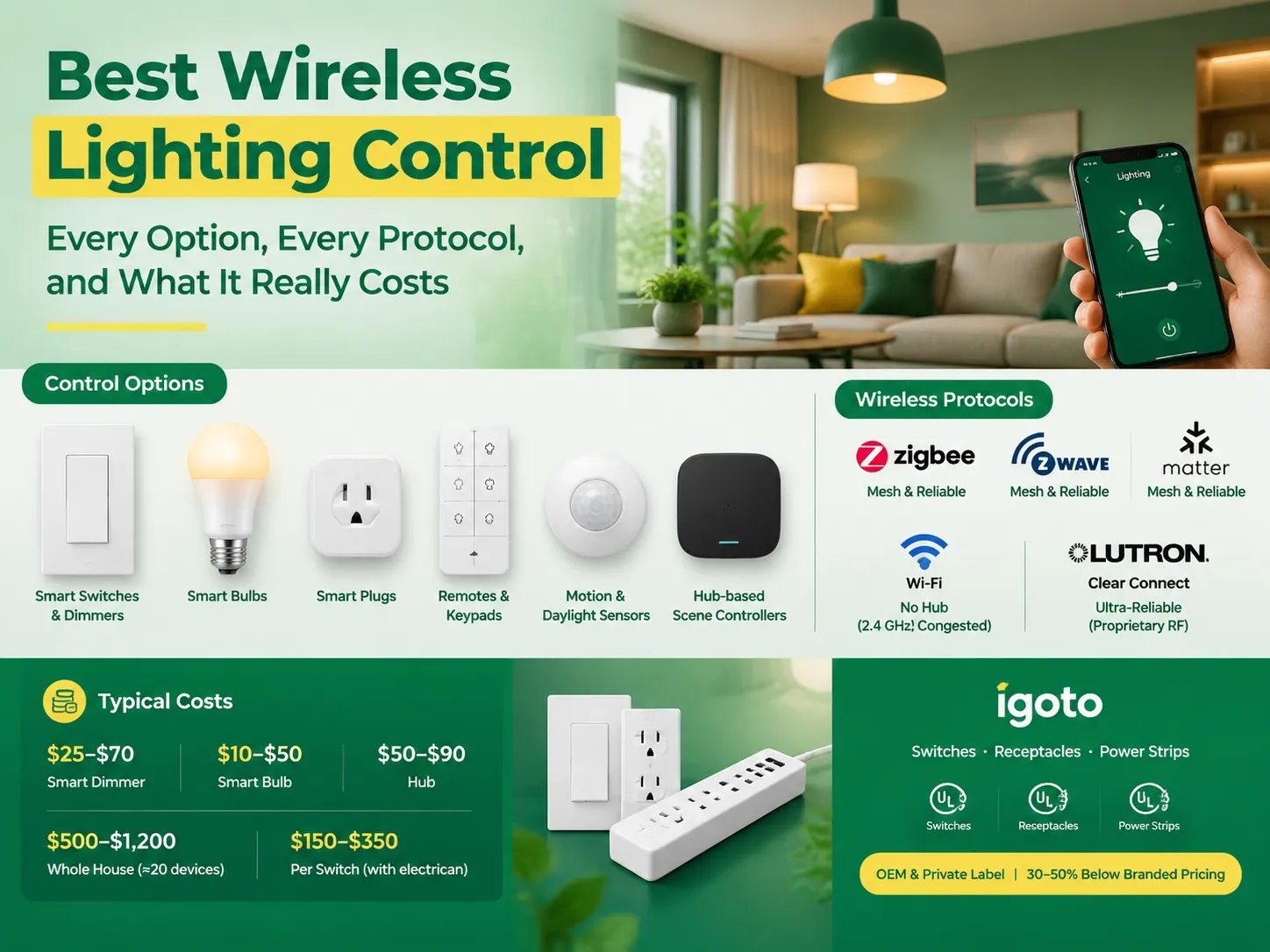
Wireless lighting control has a dirty little secret: while it often works exceptionally well in demonstrations, it tends to let people down in their homes. The culprit is hardly ever the app; instead it lies behind the wall.This guide presents the choices in an orderly fashion. Six ways of controlling light wirelessly, five protocols that […]
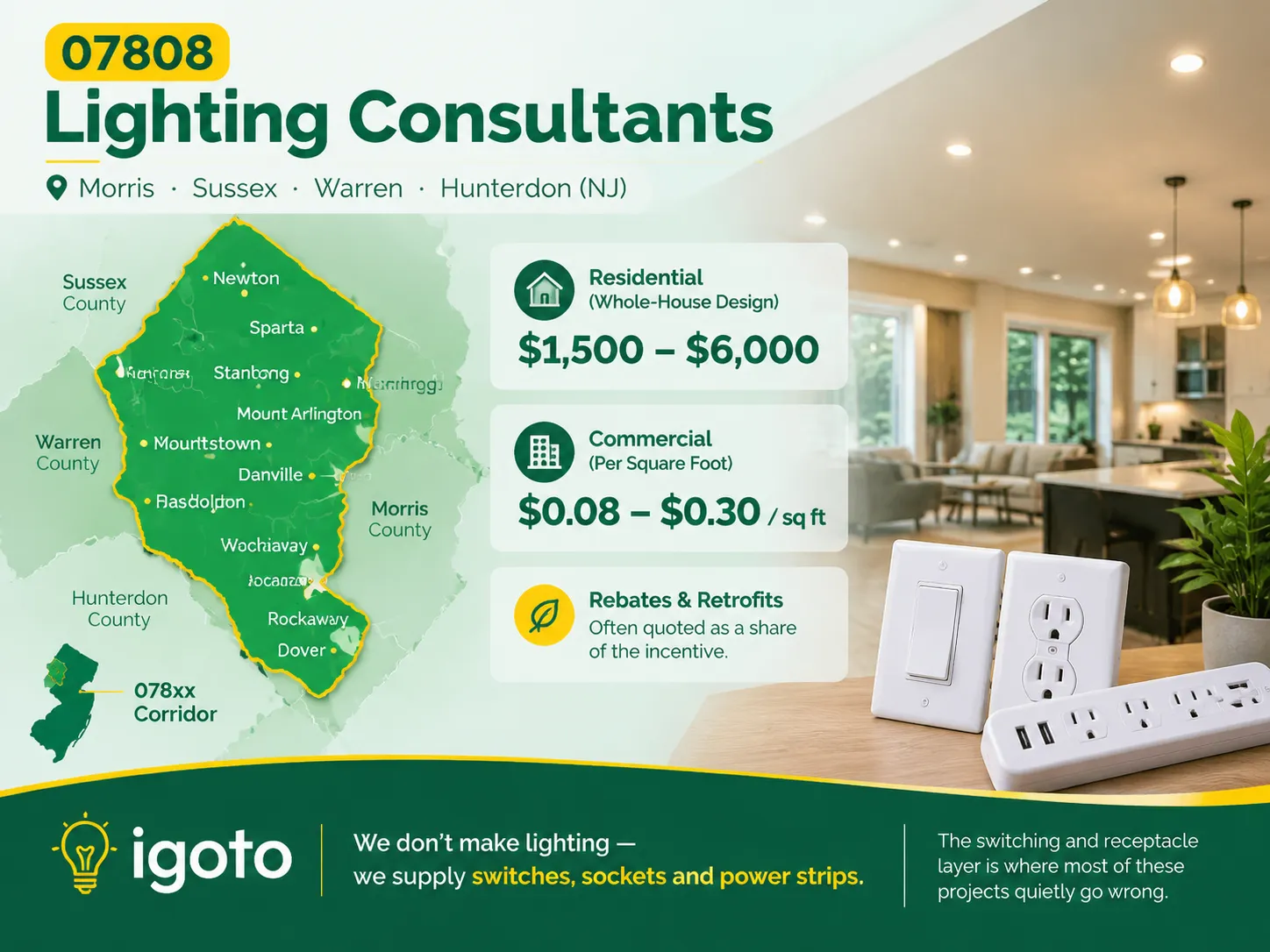
When you search for the postal code 07808, you’re not expected to find anything useful. This is because this code has never been used, but it is significant for some places in New Jersey where the lack of lighting can be observed due to some old buildings standing in the area and the lack of […]
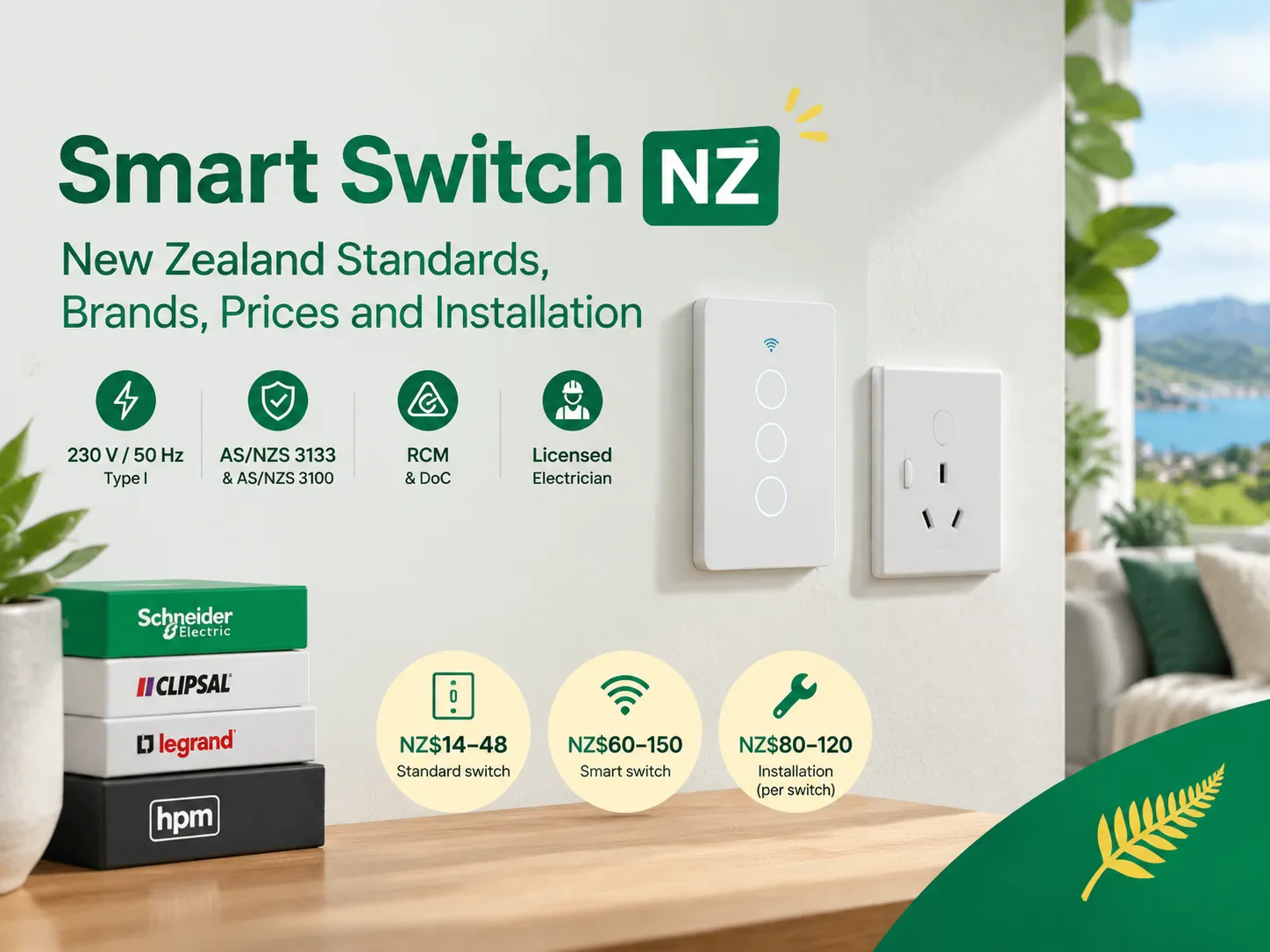
New Zealand is a small but distinct electrical market. If you are buying smart switches in New Zealand, you are dealing with a plug standard that is different from anywhere else in the world, an approval process with its own paperwork, and a wiring system that excludes half of the smart switch models available overseas. […]

 No.6 Tuozhan Road, Leshang Pioneer Park,Yueqingwan Bay Harbor,Yueqing city,Zhejiang Province


