Smart lighting does use slightly more electricity than traditional mechanical switches because smart switches require a small amount of standby power to remain connected to WiFi networks.
Most smart switches pull 0.5 to 1.5 watts continuously, which equals approximately $1 per year per switch. However, automation features often reduce overall energy use by preventing lights from staying on when nobody needs them.
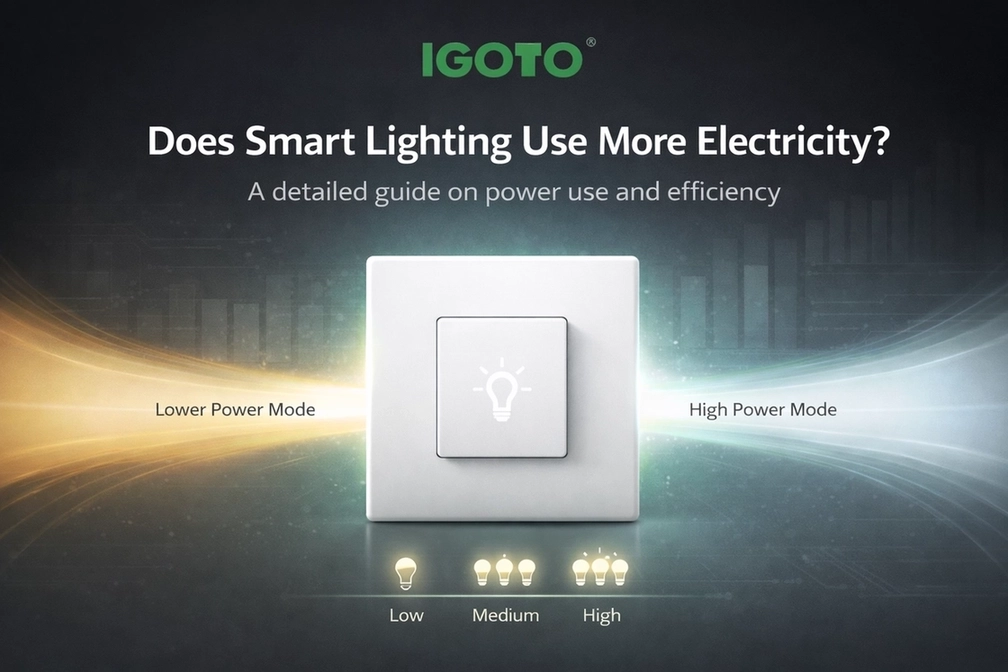
Smart switches require continuous power to keep their WiFi modules and internal processors active. A WiFi smart switch drawing 1 watt consumes 24 watt-hours daily, adding up to 720 watt-hours monthly.
That works out to 0.72 kWh per month for each switch. At typical rates of $0.12 per kWh, this results in approximately $0.09 per month, or about $1 per year per switch.
The standby draw keeps WiFi connections alive and processors ready to receive your commands. This standby load remains active around the clock, regardless of whether the lights are switched on or off.
Cheaper models might pull 2-3 watts sitting idle, while better versions stay under 1 watt. IGOTO’s WiFi smart switch uses efficient components that minimize draw while maintaining reliable connectivity..
Breaking down real costs for a typical home setup with 10 switches averaging 1 watt each shows the actual impact:
Even with 10 switches operating continuously, total standby power costs typically remain under $1 per month.
Several things influence how much electricity your switches actually pull. WiFi signal strength plays a bigger role than most folks realize, since weak signals make switches work harder, keeping connections stable.
Hardware quality drives a wedge between cheap and premium models. Budget versions use components that pull more standby power and typically fail sooner than quality alternatives.
Basic switches running just WiFi control pull the least power. Throwing in extra features bumps consumption:
An automated dimmer switch loaded with features might pull 2-3 watts idle compared to 0.5-1 watt for stripped-down models. You’re trading a slightly higher draw for convenience that can cut overall energy waste.
Regular mechanical switches consume zero power when the lights are off. They just complete or break circuits without any electronics running constantly.
This gives old-school switches a clean win on pure standby draw. But standby power reveals only part of the picture when you factor in what automation delivers.
Does smart lighting use more electricity when sitting idle? Yes, marginally. But automation stops waste that usually exceeds standby costs by wide margins.
Scheduling kills lights automatically when you forget. Occupancy sensors cut power to empty rooms that would otherwise glow. Remote access lets you shut off lights left burning from anywhere, even miles away.
A family leaving lights burning an extra 2 hours daily wastes way more energy than the standby draw eats up. If automation stops just 30 minutes of pointless lighting daily, you hit break-even on standby costs without trying.
Target installations in high-traffic spaces where automation stops the most waste. The highest returns come from automating spaces where manual control leads to regular waste. These features allow busy families to adapt lighting automatically without thinking about it, saving energy through smarter usage patterns.
Smart bulbs draw standby power as well, typically 0.5-1 watt each sitting “off.” Running a smart power switch with regular bulbs concentrates standby draw in one device instead of spreading it across multiple bulbs.
One smart switch controlling 4 regular bulbs pulls 1 watt total. Four smart bulbs pull 2-4 watts combined, even when switched off, doubling or tripling standby costs.
Smart switches run best on stable 2.4GHz networks. Many switches skip 5GHz bands entirely, so dual-band routers need proper setup.
Get the most from your network while cutting power draw:
Strong, stable WiFi keeps standby draw at minimum levels while boosting reliability across connected devices.
Smart switches need neutral wires in most setups, which older homes sometimes skip. This complicates installation and pushes upfront costs beyond just switch prices.
Professional installation runs $50-100 per switch typically. Factor these costs into the total investment when figuring out how long it takes to recoup expenses through energy savings.
When shopping for switches, check the standby power specs listed in the product details. Hunt for models pulling under 1 watt idle for best efficiency across years of operation.
IGOTO’s WiFi smart switch offers one option designed for efficiency. Their YTW-3G model manages up to 1000W loads while keeping standby draw low, operating on 110V-240V with SAA and PS certifications for various international standards.
Pull maximum benefit from smart switches by actually using their features instead of treating them like pricey regular switches:
Underused switches burn standby power without delivering offsetting benefits. The automation features need regular use, justifying the continuous power draw they demand.
Smart switch value leans heavily on how you actually run them day to day. Sticking them in rarely-used rooms where lights stay dark most of the time delivers minimal benefit while burning standby power.
Best returns come from automating spaces where manual control creates regular waste. Busy families running irregular schedules see the biggest wins from automation features that adapt to changing patterns.
Smart lighting pulls small amounts of standby power that traditional switches skip entirely. For most homes, this runs $5-15 yearly total across all installed switches.
The key consideration is not whether smart switches use slightly more electricity, but whether automation features reduce overall energy waste enough to offset standby consumption.
Many homes discover the answer is yes, especially when factoring in convenience benefits.
The pennies spent on standby power buy remote control, automated scheduling, and voice assistant integration. Whether that trade works depends on your priorities and how much you value convenience against marginal cost differences.
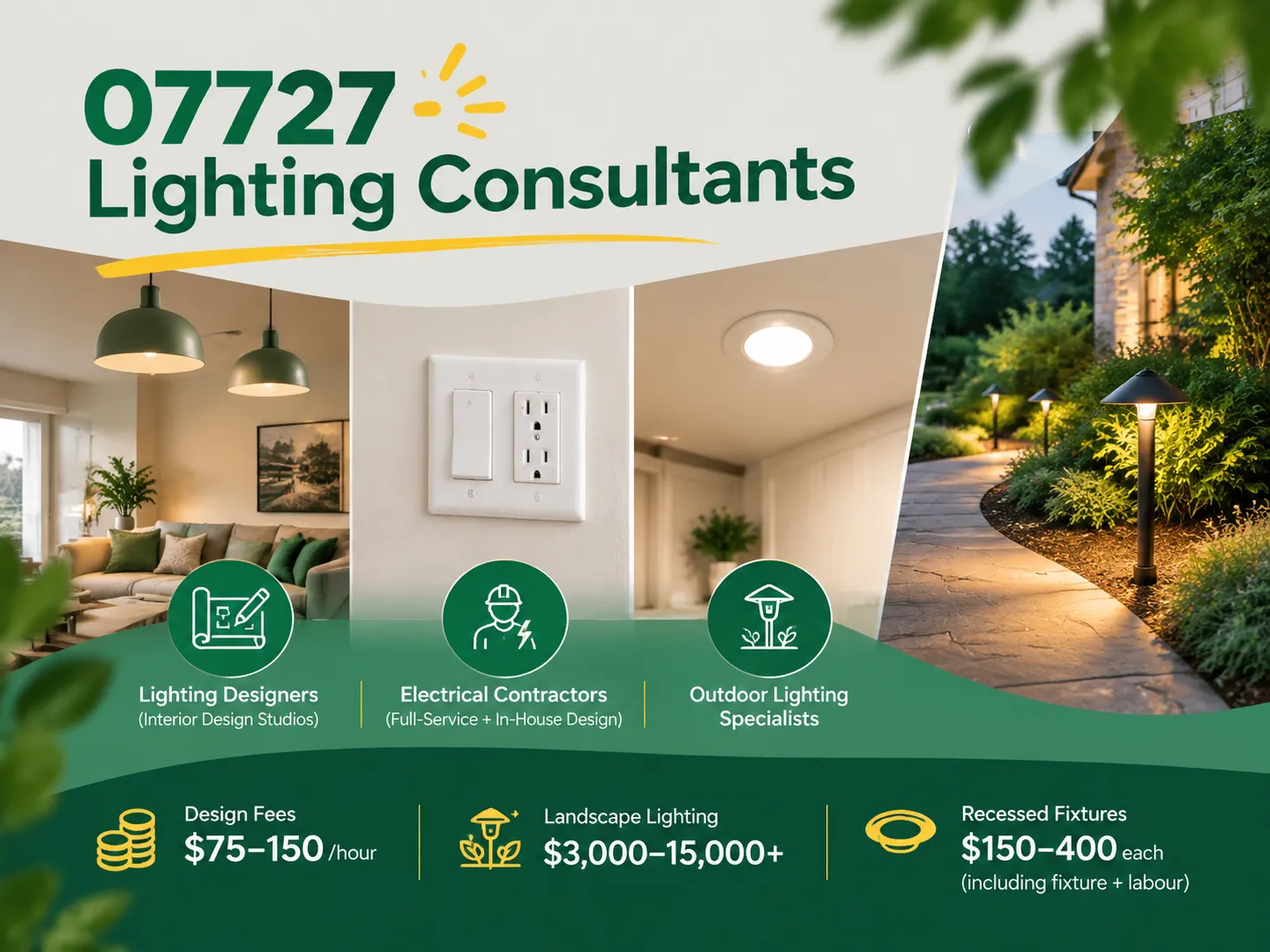
Farmingdale, along with parts of Wall Township and Tinton Falls, New Jersey, share the same zip code of 07727. Most of the houses built from the 1950s to the 1990s still exist today. Most of the homeowners are renovating their houses as opposed to building new homes. Homeowners tend to spend a lot more on […]

The term “07984 lighting consultants” gives people the impression that the five digits represent a postal code of some sort that indicates the place where lighting consultants provide services. This is, however, incorrect: there is no postal area coded 07984, which is only a code of mobile telecommunications in Great Britain. This means that the […]
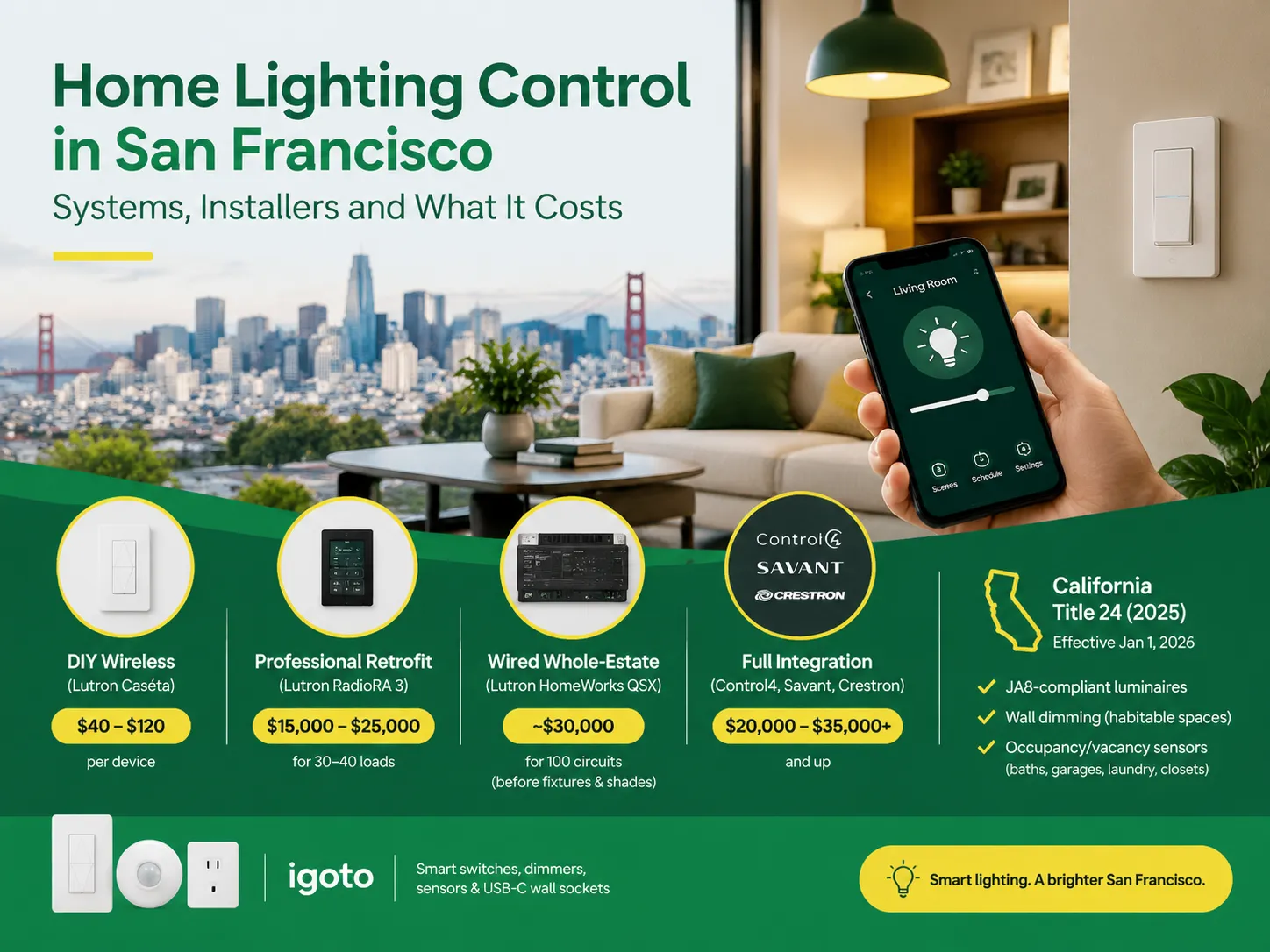
San Francisco is not the average lighting control market. The housing stock is old and dense, and the electrical code does not allow for as many electrical installations as is allowed almost anywhere else in the U.S. Most homes that want complex lighting are Victorian or Edwardian buildings where no one wants to start opening […]

 No.6 Tuozhan Road, Leshang Pioneer Park,Yueqingwan Bay Harbor,Yueqing city,Zhejiang Province